
Project Overview
TekCanon is a nonprofit learning platform that provides free tech education and career preparation for underserved individuals and career switchers. The organization offers accessible online courses, resume and interview support, and community-based coaching to help learners build confidence, develop practical skills, and pursue better job opportunities in the tech space.
Timeline
June - August
Problem
My role
UX Researcher,UX Strategist, UI/UX Designer
Scattered and Overwhelming Tech Learning Options
New learners and career switchers are often met with disorganized, confusing, and inconsistent resources that make it hard to know where to begin. Instead of clarity, they’re left feeling unsure, unsupported, and overwhelmed. They need a mature, structured, and reassuring learning experience that guides them step-by-step and builds real confidence.
The Solution
A Clear, Supportive, and Guided Learning Experience
TekCanon offers a structured, easy-to-navigate platform that gives learners a calm, mature, and confidence-building pathway into tech. With organized courses, community support, and step-by-step guidance, users no longer have to figure things out alone. The experience feels reassuring, accessible, and intentionally designed to help them grow at their own pace.
Structured and Beginner-Friendly
Guides learners clearly through their first steps in tech
Builds confidence and reduces overwhelm for career switchers
Helps users feel supported and capable from day one
Differentiates TekCanon from scattered, confusing online resources

Tool kit: Figma, Adobe CC, FigJam
Community-Focused and Supportive
Offers mentorship and coaching that feel approachable and personal
Encourages engagement through peer and volunteer support
Makes it easier for learners to access the right resources quickly
Gives users confidence to continue learning and take action toward their goals
UX Research
White Paper Research
A way to achieve goal with 95% success…
Starting with white paper research, I explored articles focused on nonprofit organizations and the digital experience of new visitors looking for community-centered services.
From the article, the research shows that “over 57% of nonprofit websites lack clear pathways for returning users and first-time visitors, leading to confusion, low engagement, and a breakdown in trust” (Thompson & Rivera, 2021).
Competitive Analysis + The Gap
Most Competitors Lack a Clear, Community-Centered Digital Experience
Using the earlier research as a guide, I reviewed three similar community-focused platforms. Only one offered a clear, smooth experience that actually helped users find what they needed without confusion. This revealed a major gap in how competitors guide their audiences — giving me the opportunity to redesign TekCanon’s experience to feel clearer, more welcoming, and easier to navigate.


User Interviews
Heading
RESEARCH QUESTIONS
What brought you to the TekCanon website, and what were you hoping to find?
How would you describe your first impression of the homepage?
Was it easy to understand what TekCanon offers? Why or why not?
How did the navigation and layout feel while trying to explore the site?
What would make the website clearer, more helpful, or easier to use for you?
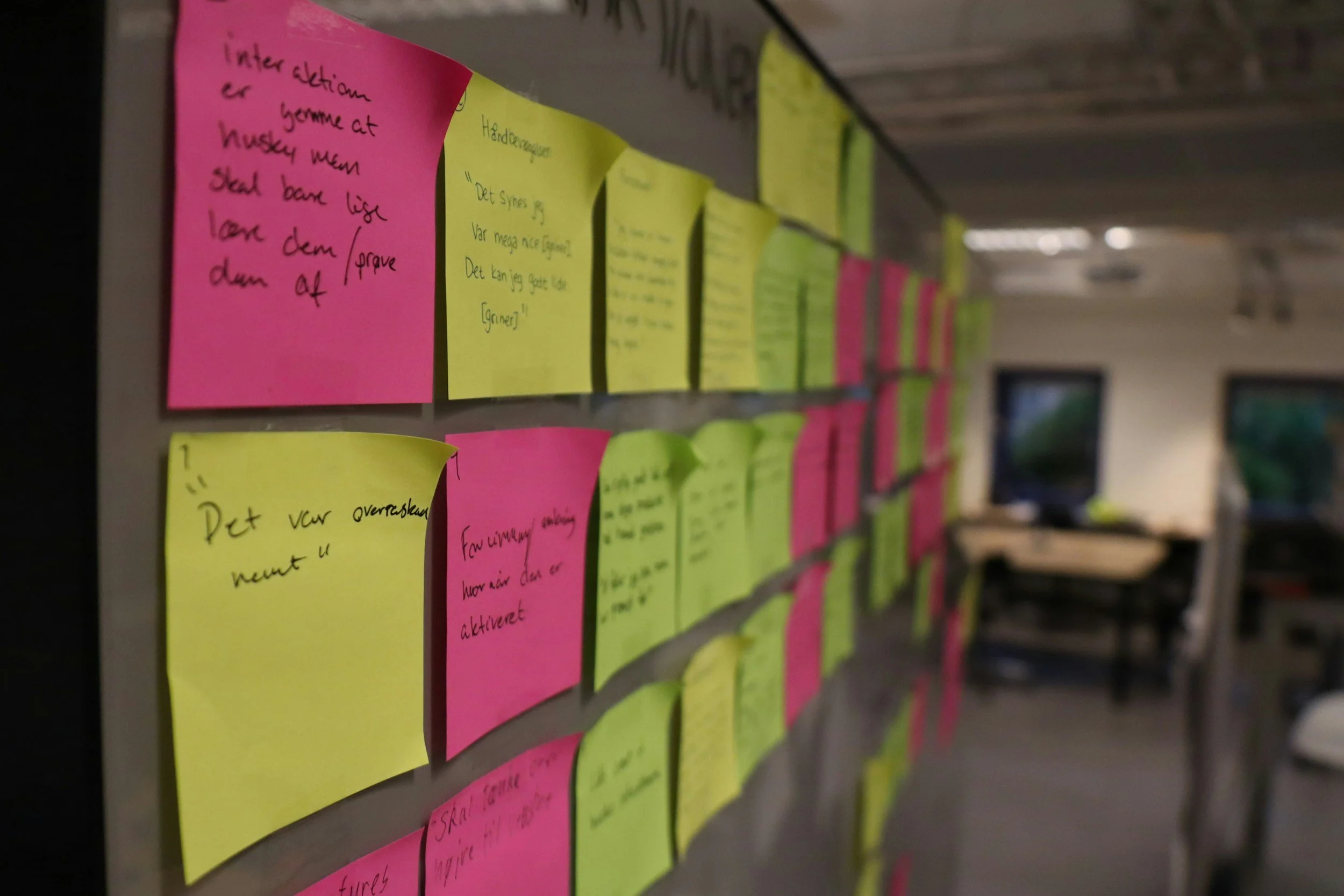
Parents of older youth feel frustrated with cluttered, child-like websites. They prefer a calm, professional, and easy-to-navigate interface that feels trustworthy and mature.
Testing + Improvement
3 Major improvements in my design
Through continuous iteration, I refined the design by creating a more mature interface, organizing information more clearly, and simplifying navigation to better support parents seeking ABA services.

Shift to a Mature, Parent-Centered Interface
Removed playful, child-like visuals that didn’t match the needs of older youth.
Introduced calm colors, simple typography, and a more professional tone.
Improved first-impression trust and reduced emotional overwhelm for parents.
Shift to a Mature, Parent-Centered Interface
Removed playful, child-like visuals that didn’t match the needs of older youth.
Introduced calm colors, simple typography, and a more professional tone.
Improved first-impression trust and reduced emotional overwhelm for parents.
The Final Screens
The Final Product
4-5 screens and prototype embedded
Major insights
Theme 1: Confusing Navigation and Layout
Users struggle to find courses, coaching, and resources due to unclear menus and repetitive content.
Lack of sticky nav bars or dropdown menus makes exploring the site slow and frustrating.Parents of older youth feel these designs are inappropriate and reduce trust
Theme 2: Unclear Learning Paths and Value
Clearer Information Hierarchy
Restructured content so parents can quickly find services, insurance, and scheduling.
Added stronger section labeling and simplified page layouts.
Reduced cognitive load and decision fatigue during navigation.
Users are unsure what TekCanon offers compared to free content online.
Missing clear course categories, testimonials, and actionable CTAs leave learners uncertain where to start.Poor navigation and text-heavy pages create decision fatigue.
Theme 3: Unclear Learning Paths and Value
Users are unsure what TekCanon offers compared to free content online.
Missing clear course categories, testimonials, and actionable CTAs leave learners uncertain where to start.Users are unsure what TekCanon offers compared to free content online.
The Mom with a teenager with ASD Persona

38 year old | Administrative Assistant
User Story
As a parent of an 11-year-old receiving ABA therapy, I want to quickly find clear, reliable information about services so I can make confident decisions for my child.
Goals
Access ABA services information efficiently and confidently.
Navigate a calm, professional website that respects older children.
Motivation
Reduce stress and frustration while searching for therapy options.
Feel reassured that the provider is trustworthy and professional.
Pain Point
Competitor websites are too child-like or cluttered.
Hard to locate key information like services, insurance, or scheduling.
Overwhelmed by too many graphics, animations, or confusing menus..
Setbacks + a new direction for the mission possible redesign
I initially explored multiple visual directions, including playful, colorful layouts and highly clinical designs. However, both options either felt too childish for older youth or too overwhelming for stressed parents. I pivoted to a mature, calm, parent-centered interface that better supports trust and clear decision-making.Overwhelmed by too many graphics, animations, or confusing menus..